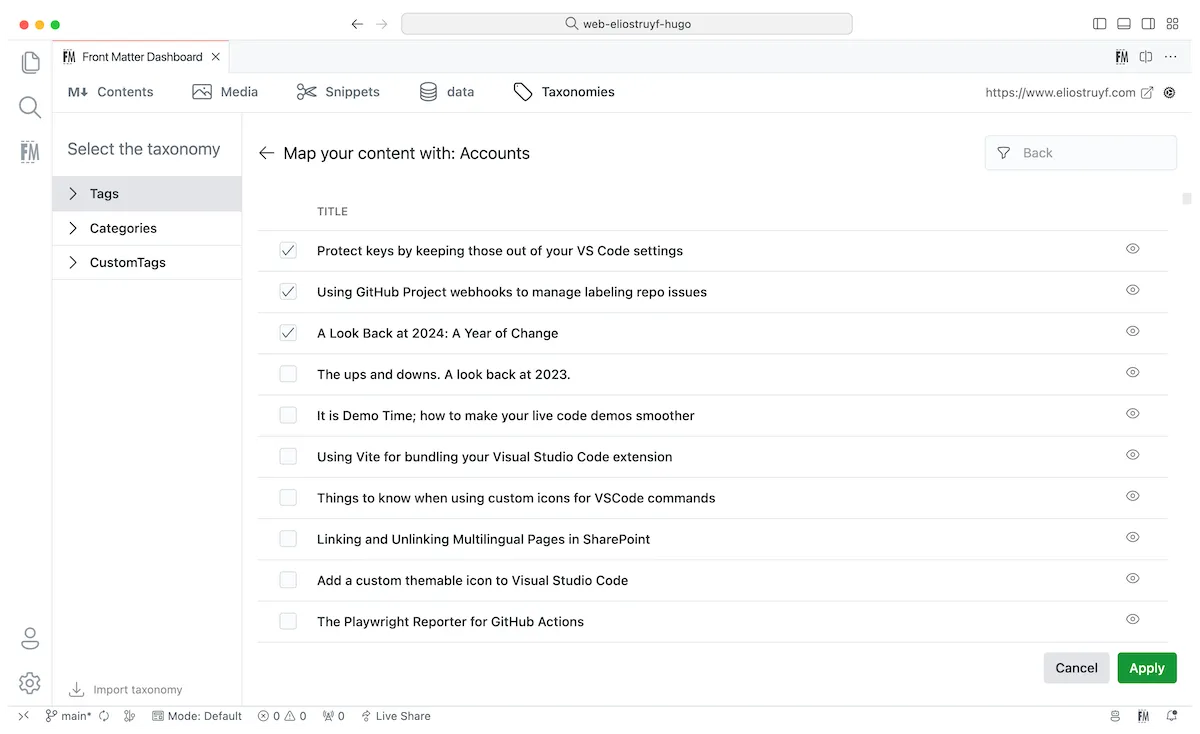
Taxonomy view
The taxonomies view is a powerful way to manage your taxonomy like categories, tags, or any other taxonomy.
On the taxonomies view, you can create, edit, delete, and move taxonomy terms from one type to another.
Open taxonomy dashboard in VS Code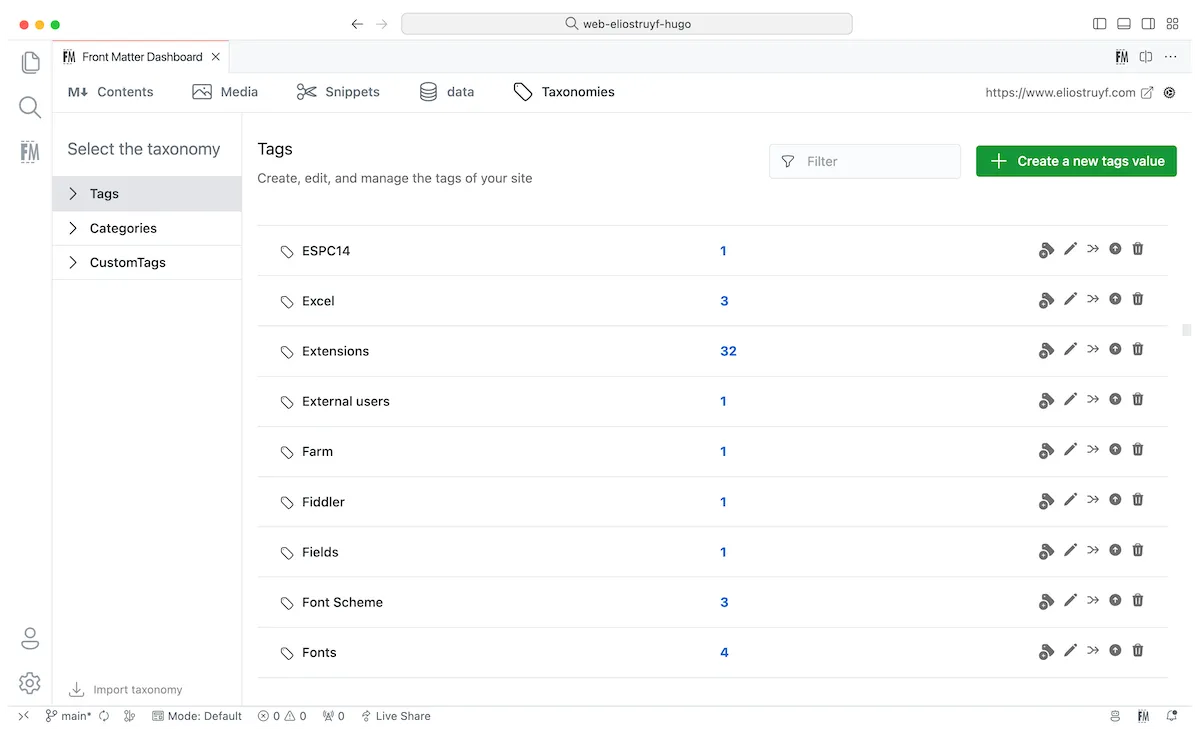
Actions
Section titled “Actions”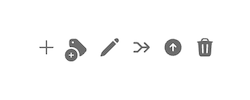
You can perform the following actions on the taxonomies view:
- Add: If a taxonomy value is not yet stored in your settings, the
+add action is shown to allow you a quick way to store the value; - Tag content: Tag content with a taxonomy value. This will update the front matter of the file with the taxonomy value;
- Edit: Edit the taxonomy value in the settings + all the files where it is used;
- Merge: Merge two taxonomy values into one. For instance, if you have
devanddevelopmentyou can mergedevintodevelopmentand it will update all the files where it is used; - Move: Move a taxonomy value to another type. For instance, if you want to move a tag to a category;
- Delete: Delete a taxonomy value.
Tag content
Section titled “Tag content”When you click on the tag content action, you will get a view with all your content where you can tag/untag the content with the taxonomy value.